Panels Style Guide
- Full Screen Panel
- Grid Panel
- Spotlight Panel
- Full Width Panel
- Alternating Panel
- Icons Panel
- Banners Panel
- Text Only Panel
- Faq List Panel
- Link List Panel
- Html Panel
- Spacer Panel
- Concierge Panel
- Events Panel
- News Panel
- Slide Panel
- Map Panel
- Multimedia Panel
- Calendar Panel
- Testimonial Panel
- Sliding Banners Panel
- Expandable Spotlight Panel
- Extras
Full Screen Panel
*New Feature: Video support for YouTube and Vimeo Links
Style Options
- Default
- Fixed Background
- Fancy
Additional Panel Options
- Hide Title: Hides item titles so you can keep the titles in Showtime for your reference but have them not display on the front end.
Available Item Fields
- Image (1600px by 1000px)
- Title
- Logo
- Button Link
- Button Text
- Body
- Video Background (YouTube and Vimeo links) supported
Full Screen Panel (Default)
- Uses 1 item.
- Supports both images*, YouTube, Vimeo, and muted mp4 background video.
*Do not include text on the image itself as the image will crop based on browser width and height. Use the Item Title and Body fields to ensure text is viewable on all device sizes.

Title Goes Here
Pellentesque nibh sapien, congue in purus ut, mattis commodo ante. Duis dictum dolor in mi molestie laoreet at dapibus arcu. Nullam sit amet hendrerit ligula. Duis maximus purus vel ante volutpat mollis. Suspendisse suscipit eros vitae magna pharetra, non accumsan tellus consectetur. Quisque varius, enim sit amet aliquam laoreet, libero nibh dapibus nulla, non fringilla lectus nisl vel massa. Integer a purus libero.
Intro Panel (Default) w/Video (MP4, YouTube, or Vimeo)
New Feature: Video support for YouTube and Vimeo Links
-
Uses 1 Item.
-
When you set the Full Screen panel style to default, you can display a muted background video.
-
For MP4s, You’ll use the Add Media button next to "Image" to add your MP4. It's ok if you haven't uploaded the mp4 to the system yet, you will be able to do so from the media gallery after you've clicked Add Media. Try to keep your MP4 file size small to maintain a fast page load speed.
-
YouTube and Vimeo links are supported through the Video Background field.
- Videos will autoplay without audio for accessibility.
*Do not include text on the image itself as the image will crop based on browser width and height. Use the Item Title and Body fields to ensure text is viewable on all device sizes.
Title Goes Here
Full Screen Panel (Default) w/Title Hidden & a Logo
-
Uses 1 Item.
-
Supports both images* and muted mp4 background video.
-
Use the Add Media button below "Logo (optional)" to add your logo to the intro panel background. It's ok if you haven't uploaded it to the system yet, you will be able to do so from the media gallery after you've clicked Add Media.
*Do not include text on the image itself as the image will crop based on browser width and height. Use the Item Title and Body fields to ensure text is viewable on all device sizes.


Intro Panel (Fixed Background)
-
Uses 1 Item.
-
Supports images* only.
-
The background image does not move while the user scrolls.
*Do not include text on the image itself as the image will crop based on browser width and height. Use the Item Title and Body fields to ensure text is viewable on all device sizes.

Title Goes Here
Intro Panel (Fancy)
-
Use for multiple items.
-
Supports images* only.
-
The background fades to the next image as the text scrolls.
*Do not include text on the image itself as the image will crop based on browser width and height. Use the Item Title and Body fields to ensure text is viewable on all device sizes.

Vivamus ac tincidunt purus. Ut urna leo, blandit viverra pretium id, venenatis consequat est. Maecenas faucibus a justo id finibus. Aliquam eget feugiat purus. Morbi sed ligula eros. Donec mi est, egestas in mi at, varius semper dolor. Maecenas ac ex scelerisque, posuere quam in, feugiat nisl. In vel tortor vel magna vulputate condimentum quis et lacus.

Morbi sed ligula eros. Donec mi est, egestas in mi at, varius semper dolor. Maecenas ac ex scelerisque, posuere quam in, feugiat nisl. In vel tortor vel magna vulputate condimentum quis et lacus. Vivamus ac tincidunt purus. Ut urna leo, blandit viverra pretium id, venenatis consequat est. Maecenas faucibus a justo id finibus. Aliquam eget feugiat purus.

Vivamus ac tincidunt purus. Ut urna leo, blandit viverra pretium id, venenatis consequat est. Maecenas faucibus a justo id finibus. Aliquam eget feugiat purus. Morbi sed ligula eros. Donec mi est, egestas in mi at, varius semper dolor. Maecenas ac ex scelerisque, posuere quam in, feugiat nisl. In vel tortor vel magna vulputate condimentum quis et lacus.
Grid Panel (Default)
- Use 3 items minimum (If you use less than 3 the panel will not look nice on desktop)
- If a URL is entered the whole item square will be clickable.
- On tablet/mobile items will stack.

Title Goes Here
Subtitle Goes Here
Title Goes Here
Subtitle Goes Here
Title Goes Here
Subtitle Goes Here
Title Goes Here
Subtitle Goes Here
Title Goes Here
Subtitle Goes Here
Grid Panel (Carousel)
- Use more than 3 items
- If a URL is entered the whole item square will be clickable.
- On desktop adds arrows to the left and right for the user to toggle through items.
- On tablet/mobile the user can swipe left and right through the items.
Title Goes Here
Subtitle Goes Here
Title Goes Here
Subtitle Goes Here
Spotlight Panel (Large)
- Use 2 items minimum (If you use less than 2 the panel will not look nice on desktop)
- Displays 2 items across on desktop.

Title Goes Here
Lorem ipsum dolor sit amet, consectetur adipiscing elit. Sed condimentum ornare lacinia. Integer posuere quis libero sit amet pulvinar. Donec quis aliquet turpis, accumsan pellentesque massa. Pellentesque nec tortor eu orci cursus rutrum. In at erat nulla. Donec sed condimentum magna, eu lacinia erat. Vivamus volutpat id mi nec eleifend.

Title Goes Here
Lorem ipsum dolor sit amet, consectetur adipiscing elit. Sed condimentum ornare lacinia. Integer posuere quis libero sit amet pulvinar. Donec quis aliquet turpis, accumsan pellentesque massa. Pellentesque nec tortor eu orci cursus rutrum. In at erat nulla. Donec sed condimentum magna, eu lacinia erat. Vivamus volutpat id mi nec eleifend.
Spotlight Panel (Wide)
- Displays 1 item across on desktop.

Spotlight with Image, Link, and Description
In this format, the image, title, and button will be clickable.
You can include bulleted and numbered lists within a spotlight and even a link within the text.
- Bulleted Item 1
- Bulleted Item 2
- Bulleted Item 3
- Numbered Item 1
- Numbered Item 2
- Numbered Item 3
Spotlight with Image, Description, and NO Link
You don't have to include a link. If you don't, no button will appear.
Spotlight with description, link, and NO image
If you don't have an image, but still like the way the spotlight list looks, that's fine! Go ahead and create your spotlight without an image. In this case, just the title and button will be clickable.
Spotlight Panel (Grid)
- Use 3 items minimum (If you use less than 3 the panel will not look nice on desktop)
- Displays 3 items across on desktop.
Title Goes Here
Lorem ipsum dolor sit amet, consectetur adipiscing elit. Sed condimentum ornare lacinia. Integer posuere quis libero sit amet pulvinar. Donec quis aliquet turpis, accumsan pellentesque massa. Pellentesque nec tortor eu orci cursus rutrum. In at erat nulla. Donec sed condimentum magna, eu lacinia erat. Vivamus volutpat id mi nec eleifend.
Title Goes Here
Lorem ipsum dolor sit amet, consectetur adipiscing elit. Sed condimentum ornare lacinia. Integer posuere quis libero sit amet pulvinar. Donec quis aliquet turpis, accumsan pellentesque massa. Pellentesque nec tortor eu orci cursus rutrum. In at erat nulla. Donec sed condimentum magna, eu lacinia erat. Vivamus volutpat id mi nec eleifend.
Title Goes Here
Lorem ipsum dolor sit amet, consectetur adipiscing elit. Sed condimentum ornare lacinia. Integer posuere quis libero sit amet pulvinar. Donec quis aliquet turpis, accumsan pellentesque massa. Pellentesque nec tortor eu orci cursus rutrum. In at erat nulla. Donec sed condimentum magna, eu lacinia erat. Vivamus volutpat id mi nec eleifend.
Spotlight Panel (4 Across)
New Feature
- Use 4 items minimum (If you use less than 4, the panel will not look nice on desktop)
- Displays 4 items across on desktop.
Title Goes Here
Lorem ipsum dolor sit amet, consectetur adipiscing elit. Sed condimentum ornare lacinia.
Title Goes Here
Lorem ipsum dolor sit amet, consectetur adipiscing elit. Sed condimentum ornare lacinia.
Title Goes Here
Lorem ipsum dolor sit amet, consectetur adipiscing elit. Sed condimentum ornare lacinia.
Title Goes Here
Lorem ipsum dolor sit amet, consectetur adipiscing elit. Sed condimentum ornare lacinia.
Spotlight Panel (5 Across)
New Feature
- Use 5 items minimum (If you use less than 5, the panel will not look nice on desktop)
- Displays 5 items across on desktop.
Title Goes Here
Lorem ipsum dolor sit amet, consectetur adipiscing elit. Sed condimentum ornare lacinia.
Title Goes Here
Lorem ipsum dolor sit amet, consectetur adipiscing elit. Sed condimentum ornare lacinia.
Title Goes Here
Lorem ipsum dolor sit amet, consectetur adipiscing elit. Sed condimentum ornare lacinia.
Title Goes Here
Lorem ipsum dolor sit amet, consectetur adipiscing elit. Sed condimentum ornare lacinia.
Title Goes Here
Lorem ipsum dolor sit amet, consectetur adipiscing elit. Sed condimentum ornare lacinia.
Full Width Panel
*New Feature: Video support for YouTube and Vimeo Links
Style Options
- No style options display as it is just default.
Additional Panel Options
- Is Carousel?: Select to have the panel carousel through multiple items.
- Hide Title: Hides item titles so you can keep the titles in Showtime for your reference but have them not display on the front end.
- Show Text On Hover: Instead of the Title, Body Text, and Button displaying automatically, they appear on hover.
Available Item Fields
- Image (1200px by 700px)
- Title
- URL
- Body
- Button Text
- Video Background (YouTube and Vimeo links) supported
Full Width Panel w/Carousel
- Check Is Carousel? under panel options if using more than 2 items.
- Max of 4 items in carousel.

Title Goes Here
Lorem ipsum dolor sit amet, consectetur adipiscing elit. Mauris pharetra nulla quis blandit sollicitudin. Pellentesque suscipit, odio laoreet vulputate efficitur, nulla velit mattis magna, non fringilla justo lacus ut orci. Ut aliquam, elit nec imperdiet lacinia, leo erat maximus eros, a imperdiet quam sapien eu ante. Praesent iaculis neque ac dolor scelerisque tristique.

Title Goes Here
Lorem ipsum dolor sit amet, consectetur adipiscing elit. Mauris pharetra nulla quis blandit sollicitudin. Pellentesque suscipit, odio laoreet vulputate efficitur, nulla velit mattis magna, non fringilla justo lacus ut orci. Ut aliquam, elit nec imperdiet lacinia, leo erat maximus eros, a imperdiet quam sapien eu ante. Praesent iaculis neque ac dolor scelerisque tristique.

Title Goes Here
Lorem ipsum dolor sit amet, consectetur adipiscing elit. Mauris pharetra nulla quis blandit sollicitudin. Pellentesque suscipit, odio laoreet vulputate efficitur, nulla velit mattis magna, non fringilla justo lacus ut orci. Ut aliquam, elit nec imperdiet lacinia, leo erat maximus eros, a imperdiet quam sapien eu ante. Praesent iaculis neque ac dolor scelerisque tristique.

Title Goes Here
Lorem ipsum dolor sit amet, consectetur adipiscing elit. Mauris pharetra nulla quis blandit sollicitudin. Pellentesque suscipit, odio laoreet vulputate efficitur, nulla velit mattis magna, non fringilla justo lacus ut orci. Ut aliquam, elit nec imperdiet lacinia, leo erat maximus eros, a imperdiet quam sapien eu ante. Praesent iaculis neque ac dolor scelerisque tristique.
Full Width Panel w/Title Hidden
- Check Hide Title under panel options.
- Leave Use Carousel? unchecked to display stacked panels

Lorem ipsum dolor sit amet, consectetur adipiscing elit. Mauris pharetra nulla quis blandit sollicitudin. Pellentesque suscipit, odio laoreet vulputate efficitur, nulla velit mattis magna, non fringilla justo lacus ut orci. Ut aliquam, elit nec imperdiet lacinia, leo erat maximus eros, a imperdiet quam sapien eu ante. Praesent iaculis neque ac dolor scelerisque tristique.
Full Width Panel w/Show Text on Hover
- Check Show Text on Hover under panel options to have the title, body text, and button display on hover only.

Title Goes Here
This caption will fade in.
Full Width Panel with Video
New Feature
- Add a YouTube or Vimeo video link in the Video Background field to display a video in this panel.
- The video will autoplay without sound for accessibility.
Alternating Panel
*New Features: Video support for YouTube and Vimeo Links | Modal Option
Style Options
- Default
- Small
- Centered Logos
- Fixed Width
- Modal
Available Item Fields
- Image (800px by 800px)
- Title
- URL
- Body
- Button Text
- Video Background (YouTube and Vimeo links supported)
- Read More Text (for Modal option)
Alternating Panel (Default)
- The first item displays the image* on the left and the text on the right. The next item displays in the reverse order and so on.
*Do not include text on the image itself as the image will crop based on browser width and height. Use the Item Title and Body fields to ensure text is viewable on all device sizes.


Title Goes Here
Lorem ipsum dolor sit amet, consectetur adipiscing elit. Mauris pharetra nulla quis blandit sollicitudin. Pellentesque suscipit, odio laoreet vulputate efficitur, nulla velit mattis magna, non fringilla justo lacus ut orci. Ut aliquam, elit nec imperdiet lacinia, leo erat maximus eros, a imperdiet quam sapien eu ante. Praesent iaculis neque ac dolor scelerisque tristique.
- Lorem ipsum dolor sit amet,
- consectetur adipiscing elit
- neque ac dolor scelerisque tristique

Title Goes Here

Title Goes Here
Lorem ipsum dolor sit amet, consectetur adipiscing elit.
Mauris pharetra nulla quis blandit sollicitudin. Pellentesque suscipit, odio laoreet vulputate efficitur, nulla velit mattis magna, non fringilla justo lacus ut orci. Ut aliquam, elit nec imperdiet lacinia, leo erat maximus eros, a imperdiet quam sapien eu ante. Praesent iaculis neque ac dolor scelerisque tristique.
Alternating Panel (Small)
- The first item displays the image* on the left and the text on the right. The next item displays in the reverse order and so on.
- Image height is shorter than the default alternating panel.
*Do not include text on the image itself as the image will crop based on browser width and height. Use the Item Title and Body fields to ensure text is viewable on all device sizes.

Title Goes Here
Lorem ipsum dolor sit amet, consectetur adipiscing elit. Aenean euismod, metus quis volutpat varius, mi erat elementum elit, sollicitudin congue eros mauris sed mauris. Nullam eget nunc ultrices, fermentum sem eu, finibus nisi. Etiam interdum facilisis orci vitae bibendum. Pellentesque id finibus magna. Fusce ante odio, commodo eu libero nec, placerat maximus mauris.

Title Goes Here
Ut a dolor turpis. Sed luctus pellentesque semper. Proin nec eleifend magna. Donec cursus, justo eget viverra finibus, metus leo congue magna, sit amet tincidunt orci metus et lectus. Sed faucibus libero justo, non vehicula mi pretium nec. Nullam sed elit mi. Phasellus massa metus, consectetur vel sagittis et, posuere et tellus. Fusce blandit felis id risus fermentum iaculis.
Alternating Panel (Centered Logos)
- The first item displays the logo centered on the left and the text on the right. The next item displays in the reverse order and so on.

Title Goes Here

Title Goes Here
Lorem ipsum dolor sit amet, consectetur adipiscing elit. Aenean euismod, metus quis volutpat varius, mi erat elementum elit, sollicitudin congue eros mauris sed mauris. Nullam eget nunc ultrices, fermentum sem eu, finibus nisi. Etiam interdum facilisis orci vitae bibendum. Pellentesque id finibus magna. Fusce ante odio, commodo eu libero nec, placerat maximus mauris.
Alternating Panel (Fixed Width)
- The first item displays the image* on the left and the text on the right. The next item displays in the reverse order and so on.
- The items remain centered on the page in desktop view.
- Image height adjusts based on coordinating text length.
*Do not include text on the image itself as the image will crop based on browser width and height. Use the Item Title and Body fields to ensure text is viewable on all device sizes.

Title Goes Here
Lorem ipsum dolor sit amet, consectetur adipiscing elit. Aenean euismod, metus quis volutpat varius, mi erat elementum elit, sollicitudin congue eros mauris sed mauris.

Title Goes Here
Lorem ipsum dolor sit amet, consectetur adipiscing elit. Aenean euismod, metus quis volutpat varius, mi erat elementum elit, sollicitudin congue eros mauris sed mauris.

Title Goes Here
Lorem ipsum dolor sit amet, consectetur adipiscing elit. Aenean euismod, metus quis volutpat varius, mi erat elementum elit, sollicitudin congue eros mauris sed mauris.

Title Goes Here
Lorem ipsum dolor sit amet, consectetur adipiscing elit. Aenean euismod, metus quis volutpat varius, mi erat elementum elit, sollicitudin congue eros mauris sed mauris.
Alternating Panel (Video Support)
New Feature
- Videos can be used in place of images for any layout of Alternating Panels.
- MP4s can be uploaded into the Image field.
- YouTube and Vimeo links are supported through the Video Background field.
- Images will autoplay without audio for accessibility.
MP4 Video
Vimeo Video
YouTube Video
Alternating Panel (Modal Option)
New Feature
- A modal option can be used with Alternating Panels to allow a pop of text and/or images to display.
- To activate the modal, add text and/or images to the "Read More Text" field.
- A "Read More" button will automatically display for the user to open up the modal.
- If the URL field is also filled out, the "Read More" button will display next to the button for the URL field.

This will have a Modal
This Panel will have a model.

Lorem ipsum dolor sit amet, consectetur adipiscing elit. Pellentesque porttitor libero eget metus tempus, eu faucibus eros fringilla. Aenean at massa quis tellus posuere consectetur non quis odio. Aenean dapibus eros porta, finibus arcu sollicitudin, ultricies felis. Morbi lobortis libero eros, iaculis elementum lacus gravida et. Aliquam pulvinar risus ut aliquam dignissim. Duis in elementum nibh, a interdum arcu. Suspendisse mattis vehicula justo, non consequat ipsum efficitur nec. Praesent sapien felis, tincidunt quis neque eu, bibendum tincidunt diam. Vivamus neque nulla, lobortis nec nisl ut, ullamcorper feugiat nibh. Praesent maximus sagittis tempus.
Icons Panel w/7 items
- You can use any number of items as the icons center up on desktop.

Title Goes Here
Lorem ipsum dolor sit amet, consectetur adipiscing elit. Integer semper interdum tempor.

Title Goes Here
Lorem ipsum dolor sit amet, consectetur adipiscing elit. Integer semper interdum tempor.

Title Goes Here
Lorem ipsum dolor sit amet, consectetur adipiscing elit. Integer semper interdum tempor.

Title Goes Here
Lorem ipsum dolor sit amet, consectetur adipiscing elit. Integer semper interdum tempor.

Title Goes Here
Lorem ipsum dolor sit amet, consectetur adipiscing elit. Integer semper interdum tempor.

Title Goes Here
Lorem ipsum dolor sit amet, consectetur adipiscing elit. Integer semper interdum tempor.

Title Goes Here
Lorem ipsum dolor sit amet, consectetur adipiscing elit. Integer semper interdum tempor.
Icons Panel w/3 items & Titles Hidden
- Check Hide Title under panel options.
- Add 3 items.


Icons Panel w/2 items
- Add 2 items.
Title Goes Here
Lorem ipsum dolor sit amet, consectetur adipiscing elit. Integer semper interdum tempor.
Title Goes Here
Lorem ipsum dolor sit amet, consectetur adipiscing elit. Integer semper interdum tempor.
Icons Panel w/3 items
- Add 3 items.
Title Goes Here
Lorem ipsum dolor sit amet, consectetur adipiscing elit. Integer semper interdum tempor.
Title Goes Here
Lorem ipsum dolor sit amet, consectetur adipiscing elit. Integer semper interdum tempor.
Title Goes Here
Lorem ipsum dolor sit amet, consectetur adipiscing elit. Integer semper interdum tempor.
Banners Panel
Style Options
- No style options display as it is just default.
Additional Panel Options
- Hide Title: Hides item titles so you can keep the titles in Showtime for your reference but have them not display on the front end.
Available Item Fields
- Image
- 1 item (1300px by 220px)
- 2 items (750px by 220px)
- 3 items (400px by 220px)
- Title
- URL
- Logo
Banners Panel w/1 item
- Add 1 item
- If including an image use (1300px by 220px)

Banners Panel w/2 items & Titles Hidden
- Check Hide Title under panel options.
- Add 2 items.
- If including an image use (750px by 220px for each)


Banners Panel w/3 items
- Add 3 items.
- If including an image use (400px by 220px for each)

Title Goes Here
Subtitle Goes Here

Title Goes Here
Subtitle Goes Here

Title Goes Here
Subtitle Goes Here
Text Only Panel (Default)
- Text is Left-Aligned.
Heading 1
Lead-In Paragraph: Write out your text then highlight it. In the text editor, click the STYLES button and choose "lead paragraph."
Heading 2
Normal Font: Bold text italicized text subscript superscript. This is the default for text. When you create a new text item and start typing, this is the text that will appear on the front end of your site unless you choose an alternate text style. You can choose styles by clicking on the Paragraph Format button in the text editor (the first dropdown in from the left, it will say "Normal.") From there, you can choose a heading type or you can choose from various other styles like Lead Paragraph (displayed above), bold, italicized, subscript, superscript, numbered and bulleted lists, or blockquotes, all of which are sampled on this page.
Heading 3
Bulleted and numbered lists can be created in any text block. Simply write out the list of items, highlight them, and then click on the bulleted list icon or the numbered list icon in the text editor. The list will automatically add the numbers/bullets to each item.
- Bulleted Item 1
- Bulleted Item 2
- Bulleted Item 3
- Bulleted Item 4
- Numbered Item 1
- Numbered Item 2
- Numbered Item 3
- Numbered Item 4
Buttons
Create new buttons within text panel items. Type out the word(s) you would like to use as the button text, click on the link icon in the text editor, and fill in the information to create the link. Click on the Advanced tab and in the field labeled "stylesheet class" type the word "button" (without the quotation marks), click ok. It will look like a regular text link within Showtime, but on the front end, it will be styled like a button.
Styled Image Right
 Place your cursor at the start of the paragraph. Click on the Media button
and choose your image. Once it appears in the text block, click on the image so it
highlights, go to the Styles button in the text editor and choose styled image right.
Place your cursor at the start of the paragraph. Click on the Media button
and choose your image. Once it appears in the text block, click on the image so it
highlights, go to the Styles button in the text editor and choose styled image right.
Styled Image Left
Place your cursor at the start of the paragraph. Click on the Media button and choose your image. Once it appears in the text block, click on the image so it highlights, go to the Styles button in the text editor and choose either styled image left or styled image right.
Text Only Panel (Centered)
- Text is Centered.
Creating Buttons
Create new buttons within text panel items. Navigate your cursor to the spot where you would like the button to display. Click on the Button button in the text editor. A new menu will appear above your work, prompting you to enter the text (button text) and the URL, and to choose to open in a new window if desired. Click ok to save.
Bulleted and numbered lists can be created in any text panel. Simply write out the list of items, highlight them, and click on the bulleted list icon or the numbered list icon in the text editor. The list will automatically add the numbers/bullets to each item.
- Bulleted Item 1
- Bulleted Item 2
- Bulleted Item 3
- Bulleted Item 4
- Numbered Item 1
- Numbered Item 2
- Numbered Item 3
- Numbered Item 4
FAQ List Panel
Style Options
- No style options display as it is just default.
Available Item Fields
- Question
- Answer
FAQ List Panel Notes
FAQ list panels are a great way to break up text within a page to make it more manageable for the reader. Click edit on the first item and enter a question (does not necessarily have to be a question) then use the free form answer description field for all of the information related to that question. Select the + Add New Item button to add additional FAQ items.
FAQ List Panel
- FAQ list panels are a great way to break up text within a page to make it more manageable for the reader. Click edit on the first item and enter a question (does not necessarily have to be a question) then use the free form answer description field for all of the information related to that question. Select the + Add New Item button to add additional FAQ items.
Sample Item 1
Sample Answer. Lorem ipsum dolor sit amet, consectetur adipiscing elit. Mauris id augue non mauris volutpat faucibus. Vestibulum varius eget nisl id rhoncus. Suspendisse id consequat justo. Maecenas non tellus convallis, aliquet sapien sed, pharetra quam. Praesent ultrices ac magna nec gravida. Aenean nec sodales sapien, vel consequat mi.
Integer eu porta orci. Class aptent taciti sociosqu ad litora torquent per conubia nostra, per inceptos himenaeos.
Sample Item 2
This is another example. This one includes a link within the text and some lists.
- Bulleted Item 1
- Bulleted Item 2
- Bulleted Item 3
- Numbered Item 1
- Numbered Item 2
- Numbered Item 3
Link List Panel
Style Options
- No style options display as it is just default.
Available Item Fields
- Title
- URL
- Body
Link List Panel Notes
If you have a list of items that you want to link, a link list is a better alternative than simply linking within a text panel. Click edit on the first item. The Title field is where you place the word(s) that represent your link, then enter the link in the URL field. The body field is optional. As shown below, bulleted and numbered lists are supported here as well as links within the text.
- Internal Link
If you're linking to a page within the site, ONLY link to the part of the URL that comes after the .com. The system will recognize this as an internal link and automatically add the domain. This is particularly important during the soft launch period when the site you're working on is on the production.carbonhouse URL. Once you go live, your domain will go back to your current domain. If you have linked to the production URL, it won't break, but it will affect your SEO and can confuse users.
- Fusce sed volutpat augue.
- Sed risus libero, cursus
- quis pellentesque id, pharetra sed sem.
- Cras magna lectus, tristique
- sit amet felis eu, rhoncus sollicitudin lacus. Nunc id hendrerit metus.
- Duis faucibus nulla eget metus lacinia,
- congue varius ex finibus.
- Etiam feugiat lobortis porta. Fusce vitae rhoncus ligula.
- External Link
For external links, be sure to include the WHOLE link, including the HTTP part of the link. The system will automatically open the link in a new window.
- Image Link
You can use the Add Media button to have the system automatically drop in the URL for a particular media item. It's ok if you haven't uploaded it to the system yet, you will be able to do it from the media gallery after you've clicked Add Media.
- Document Link
You can use the Add Media button to have the system automatically drop in the URL for a particular media item. It's ok if you haven't uploaded it to the system yet, you will be able to do it from the media gallery after you've clicked Add Media.
- Email Link
Linking to an email address will add the email icon to the link and, when clicked, will open in the user's email program, if available.
Spacer Medium (100px)
Spacer Large (200px)
Explore Parking
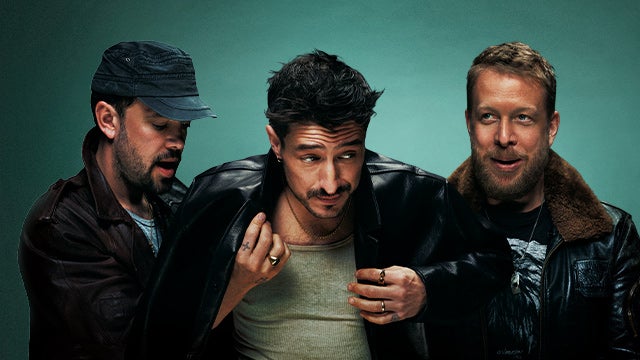
Mumford & Sons

Atlanta United FC vs New York Red Bulls Parking
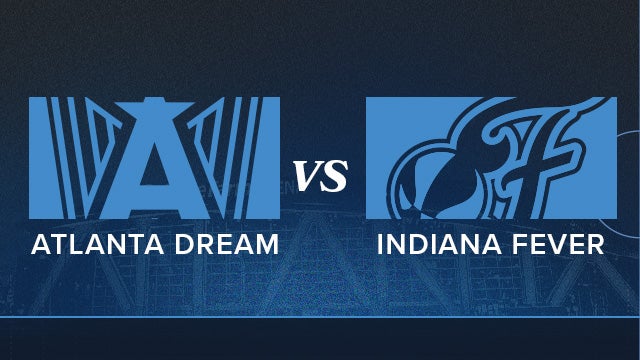
Atlanta Dream vs Indiana Fever

Chris Stapleton All-American Road Show Parking
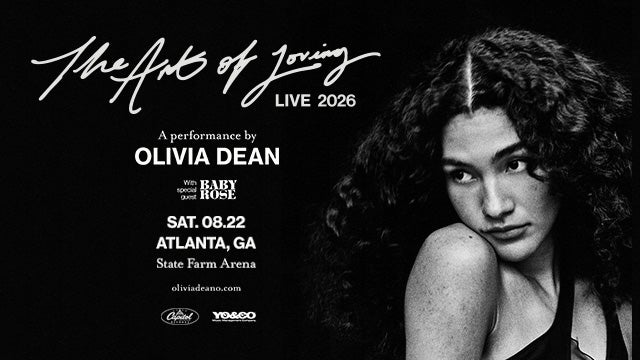
Olivia Dean
Atlanta United FC vs Sporting Kansas City Parking
AC/DC Power Up Tour Parking
Atlanta United FC vs Charlotte FC Parking
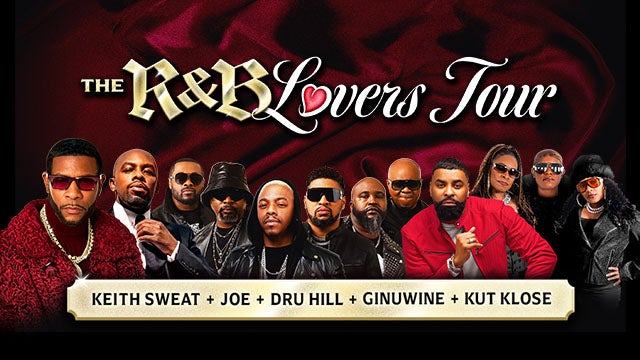
The R&B Lovers Tour
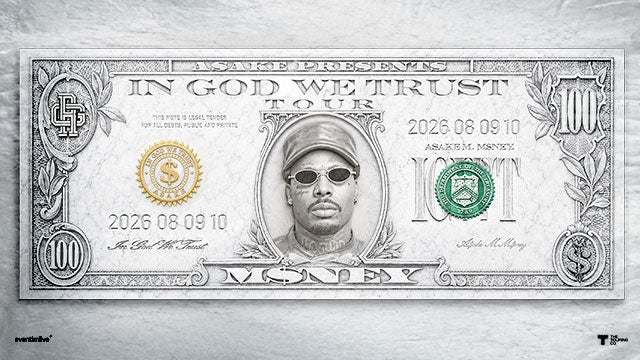
Asake
Atlanta United FC vs Orlando City SC Parking
Atlanta Dream vs Chicago Sky
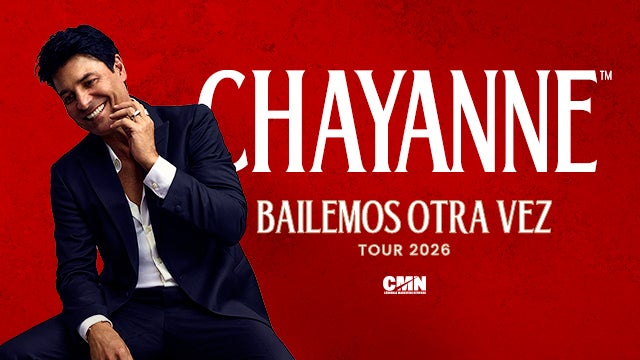
Chayanne
Karol G's "Viajando Por El Mundo Tropitour" Parking
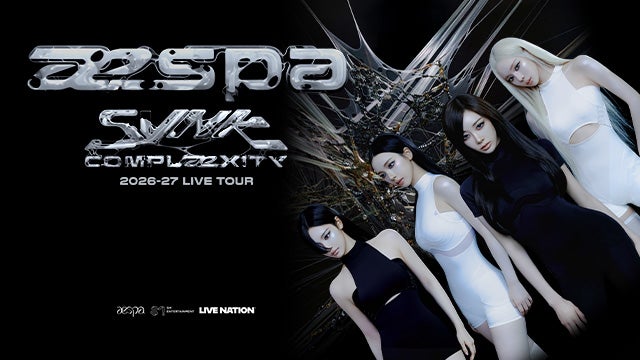
aespa
Atlanta United FC vs New York City FC Parking
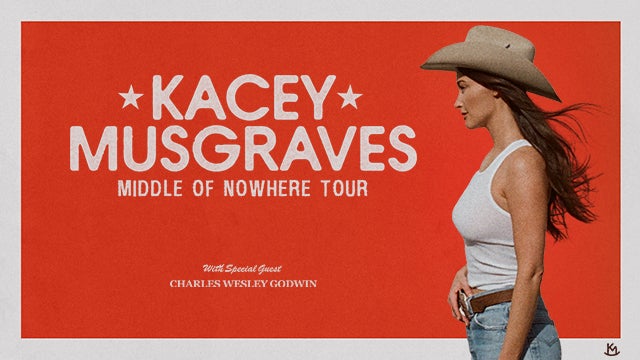
Kacey Musgraves
Ed Sheeran LOOP Tour Parking
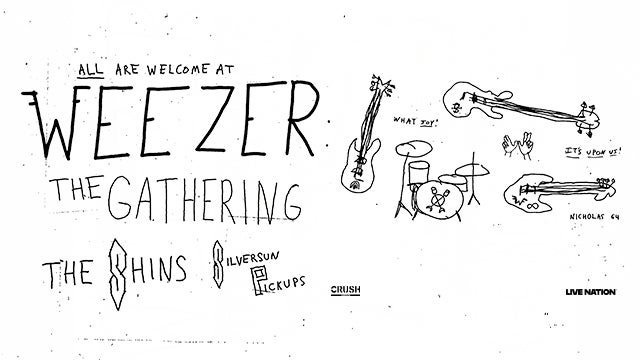
Weezer
Atlanta United FC vs FC Cincinnati Parking
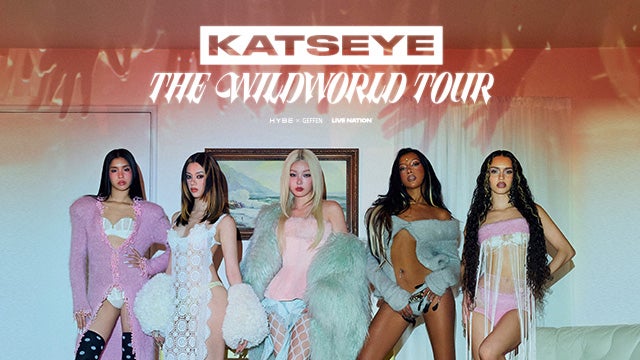
KATSEYE
Atlanta United FC vs Inter Miami CF Parking
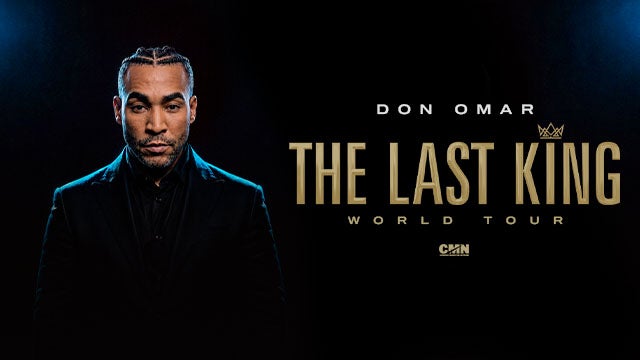
Don Omar
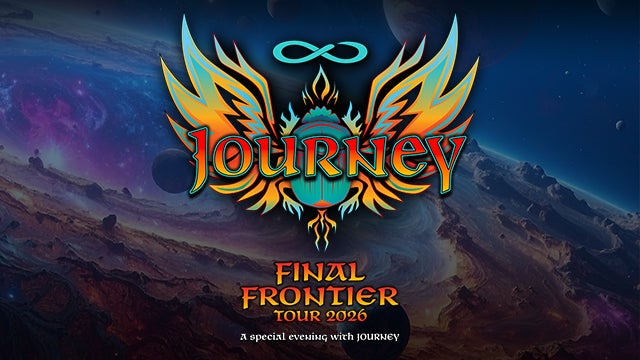
Journey
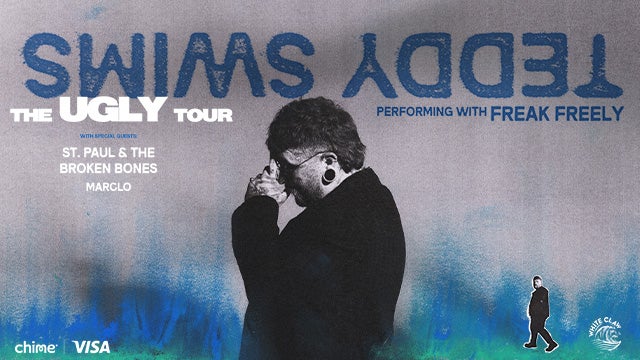
Teddy Swims
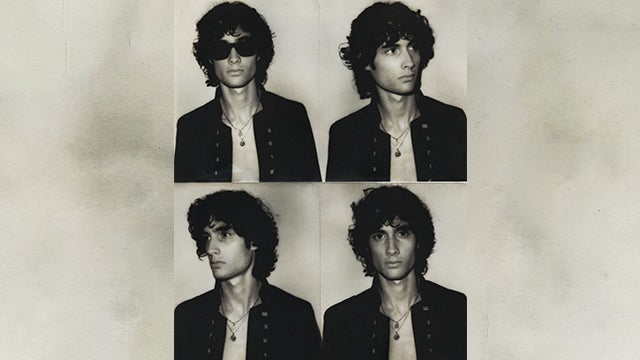
SOMBR
Atlanta United FC vs Chicago Fire Parking
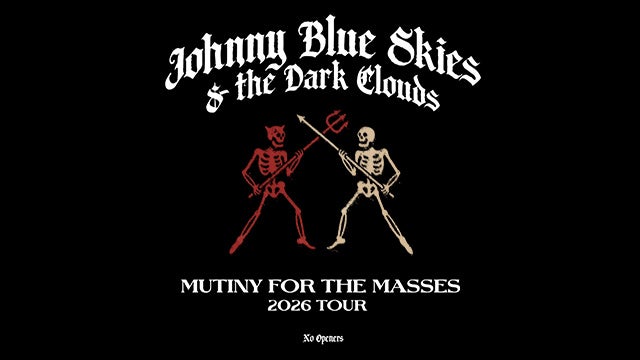
Johnny Blue Skies & the Dark Clouds
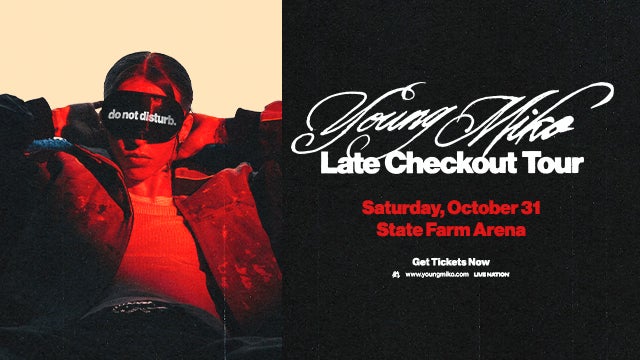
Young Miko
Atlanta United FC vs Toronto FC Parking
The R&B Tour Usher Raymond & Chris Brown Parking
The R&B Tour Usher Raymond & Chris Brown Parking
The R&B Tour Usher Raymond & Chris Brown Parking
The Neighbourhood
The R&B Tour Usher Raymond & Chris Brown Parking
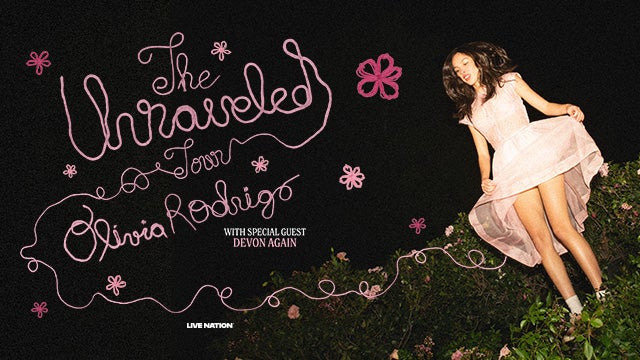
Olivia Rodrigo
Olivia Rodrigo
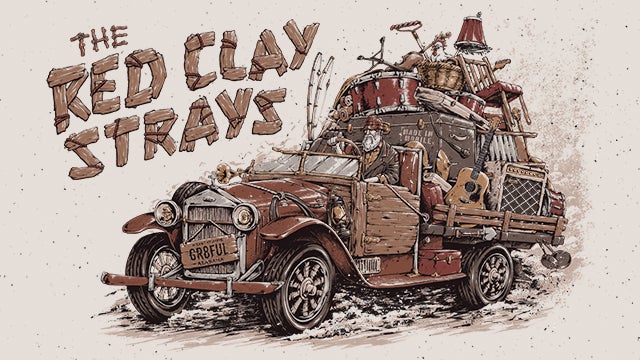
The Red Clay Strays
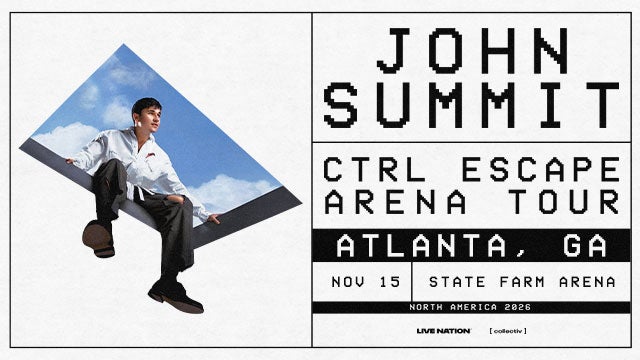
John Summit
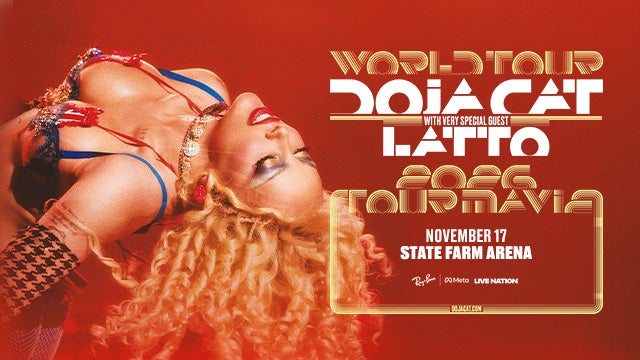
Doja Cat
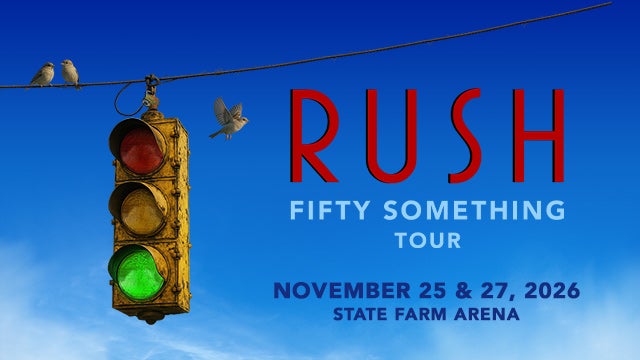
RUSH
RUSH
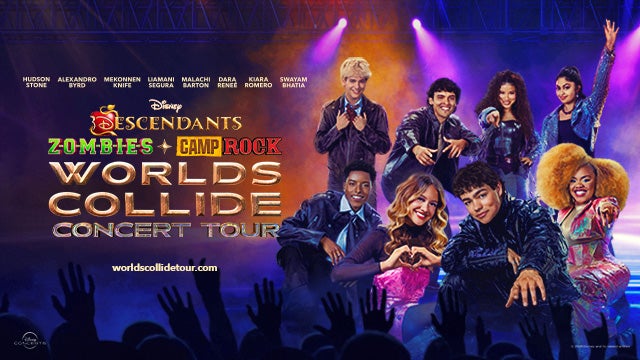
Disney Worlds Collide Concert Tour
Disney Worlds Collide Concert Tour
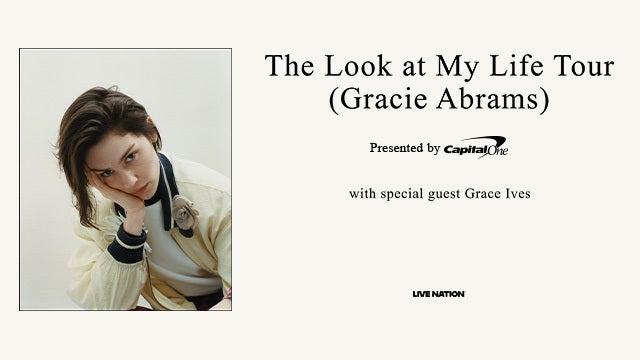
Gracie Abrams
Gracie Abrams
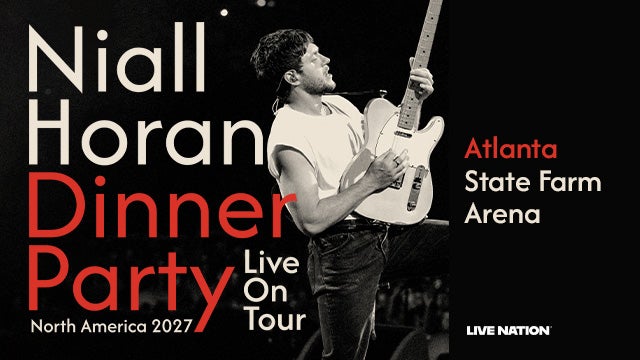
Niall Horan
Mumford & Sons
Atlanta United FC vs New York Red Bulls Parking
Atlanta Dream vs Indiana Fever
Chris Stapleton All-American Road Show Parking
Olivia Dean
Atlanta United FC vs Sporting Kansas City Parking
AC/DC Power Up Tour Parking
Atlanta United FC vs Charlotte FC Parking
The R&B Lovers Tour
Asake
Atlanta United FC vs Orlando City SC Parking
Atlanta Dream vs Chicago Sky
Chayanne
Karol G's "Viajando Por El Mundo Tropitour" Parking
aespa
Atlanta United FC vs New York City FC Parking
Kacey Musgraves
Ed Sheeran LOOP Tour Parking
Weezer
Atlanta United FC vs FC Cincinnati Parking
KATSEYE
Atlanta United FC vs Inter Miami CF Parking
Don Omar
Journey
Teddy Swims
SOMBR
Atlanta United FC vs Chicago Fire Parking
Johnny Blue Skies & the Dark Clouds
Young Miko
Atlanta United FC vs Toronto FC Parking
The R&B Tour Usher Raymond & Chris Brown Parking
The R&B Tour Usher Raymond & Chris Brown Parking
The R&B Tour Usher Raymond & Chris Brown Parking
The Neighbourhood
The R&B Tour Usher Raymond & Chris Brown Parking
Olivia Rodrigo
Olivia Rodrigo
The Red Clay Strays
John Summit
Doja Cat
RUSH
RUSH
Disney Worlds Collide Concert Tour
Disney Worlds Collide Concert Tour
Gracie Abrams
Gracie Abrams
Niall Horan

Sample Hotel
5727 Westpark DriveCharlotte, North Carolina 28217
Phone: (910) 555 - 0123
Lorem ipsum dolor sit amet, consectetur adipiscing elit. Aenean semper elit purus, vitae volutpat enim fermentum vitae. Curabitur mattis ex id consectetur finibus. Morbi sed dolor ligula.

Sample Hotel - No link, no image
5727 Canoga AvenueLos Angeles, California 91367
Test description, link.
- test
- test
- test
- test